
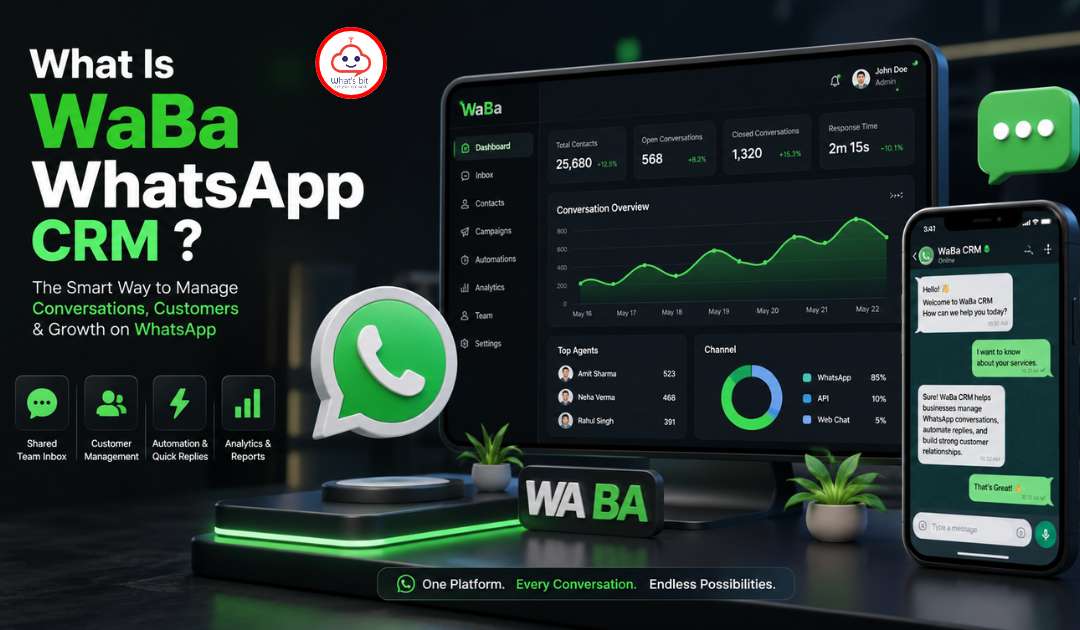
If you’re managing customer conversations on WhatsApp and feel like you’re constantly losing track of leads, missing follow-ups, or spending too much time on repetitive messages — WaBa WhatsApp CRM is built exactly for you.
WaBa is a powerful Chrome extension that runs directly inside WhatsApp Web, turning your everyday messaging app into a full-featured CRM and sales automation platform. In this article, we break down all 20 features packed inside WaBa — so you can see exactly what you’re getting.
What Is WaBa WhatsApp CRM?
WaBa WhatsApp CRM is a browser extension that integrates seamlessly with WhatsApp Web. Once installed, it adds a complete layer of CRM tools, automation, and analytics — all without leaving WhatsApp. Whether you’re a solo entrepreneur or managing a sales team, WaBa helps you convert conversations into customers.
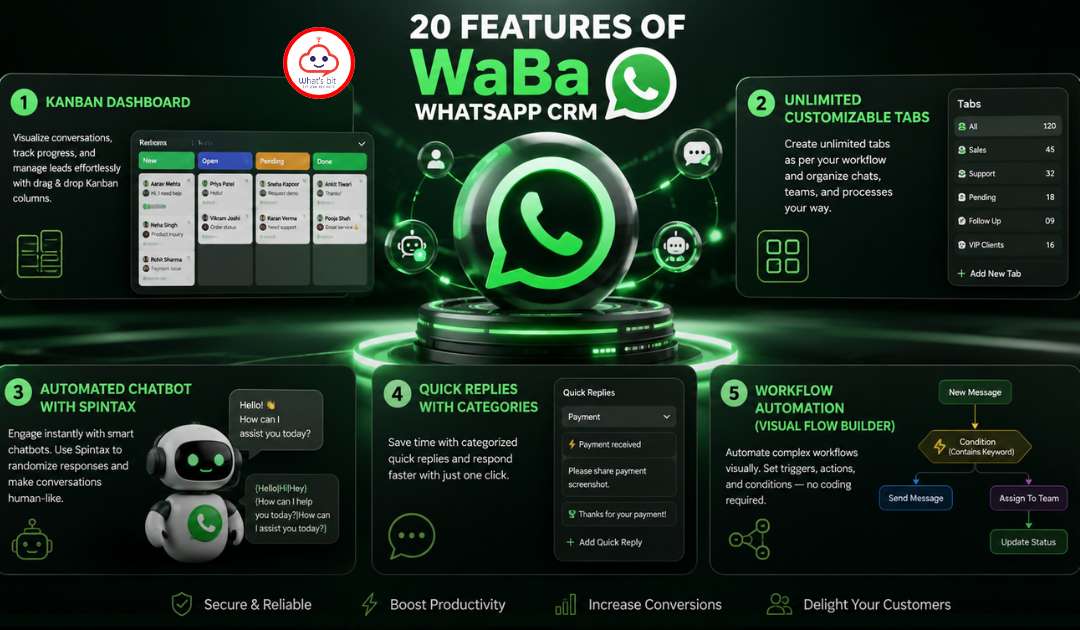
20 Features of WaBa WhatsApp CRM
1. Kanban Dashboard
Visualize your entire sales pipeline with a drag-and-drop Kanban board. Move leads between stages like “New Lead,” “In Negotiation,” and “Closed” with a single click. Each card shows the contact name, last message, deal value, and entry date — giving your team a clear picture of where every lead stands.
Best for: Sales teams who want a visual pipeline inside WhatsApp.
2. Unlimited Customizable Tabs
Organize your WhatsApp chats into unlimited tabs based on your workflow — by team, campaign, region, product, or anything else. Unlike WhatsApp’s default view, WaBa tabs let you separate leads, clients, and support contacts effortlessly.
Best for: Businesses managing multiple customer categories.
3. Automated Chatbot with Spintax
Set up smart chatbots that respond to customer messages 24/7 using keyword triggers. The Spintax feature generates varied, natural-sounding responses automatically — so your bot never sounds robotic. Handle FAQs, collect lead information, and qualify prospects even while you sleep.
Best for: High-volume businesses that need 24/7 instant responses.
4. Quick Replies with Categories
Save your most-used messages as Quick Replies and organize them into categories. Send templated responses in seconds without typing the same thing over and over. Supports text, images, videos, audio, and documents.
Best for: Support teams and sales reps who repeat the same responses daily.
5. Workflow Automation (Visual Flow Builder)
Build complex automated workflows using a visual, node-based flow editor — no coding required. Define triggers, conditions, and actions to automate lead assignment, follow-up sequences, and message delivery. Think of it as a mini marketing automation tool built inside WhatsApp.
Best for: Businesses that want to automate multi-step customer journeys.
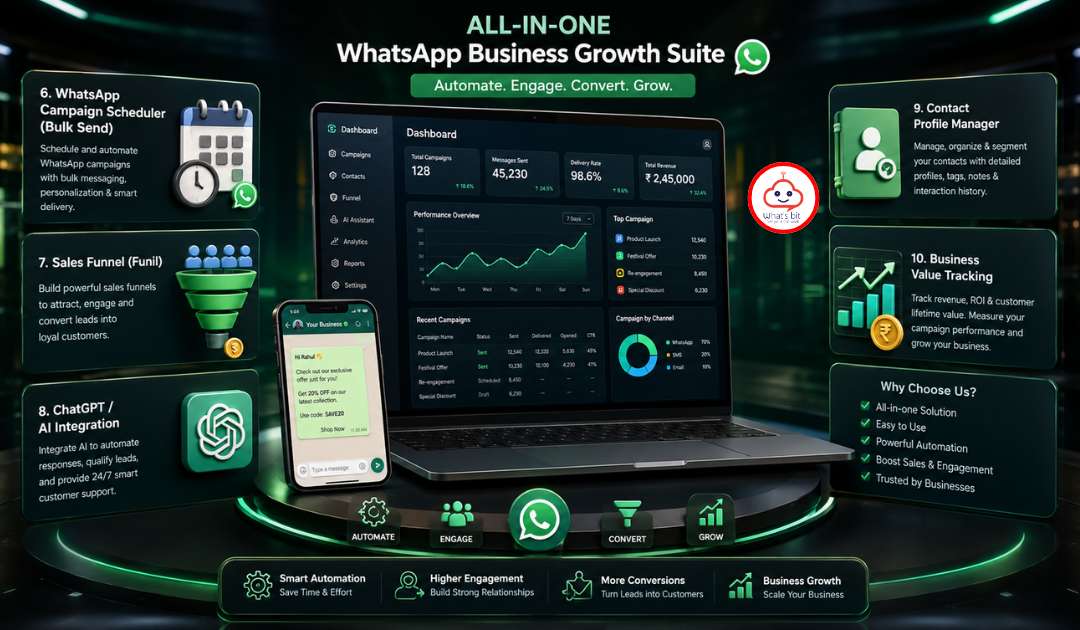
6. WhatsApp Campaign Scheduler (Bulk Send)
Plan and schedule bulk WhatsApp messages to send at the perfect time. Create campaigns, select your audience from tabs or labels, compose your message, and schedule delivery. Supports text, images, video, and document campaigns.
Best for: Marketing teams running promotions, announcements, or re-engagement campaigns.
7. Sales Funnel (Funil)
WaBa includes a built-in sales funnel system that uses WhatsApp labels and tabs as funnel stages. When a contact moves to a new label or tab, the funnel automatically triggers follow-up messages or actions — creating a hands-free nurture sequence.
Best for: Sales teams with a structured conversion pipeline.
8. ChatGPT / AI Integration
Connect OpenAI’s ChatGPT to power smarter conversations. Use AI to generate message content, auto-translate messages into the customer’s language, and get instant reply suggestions. This is a game-changer for teams handling high volumes or international customers.
Best for: Businesses dealing with multilingual customers or needing AI-assisted communication.
9. Contact Profile Manager
Each WhatsApp contact gets a detailed profile page inside WaBa. Add name, email, city, state, company, job title, gender, date of birth, language, lead origin, entry date, exit date, and custom observations. This turns WhatsApp into a real contact database.
Best for: CRM-style contact management without a separate tool.
10. Business Value Tracking
Assign monetary values to deals for each contact. Track deal amount, description, and timestamp — then view a total pipeline value per Kanban column. This gives you a real-time revenue snapshot directly from WhatsApp.
Best for: Sales managers who want pipeline revenue visibility.
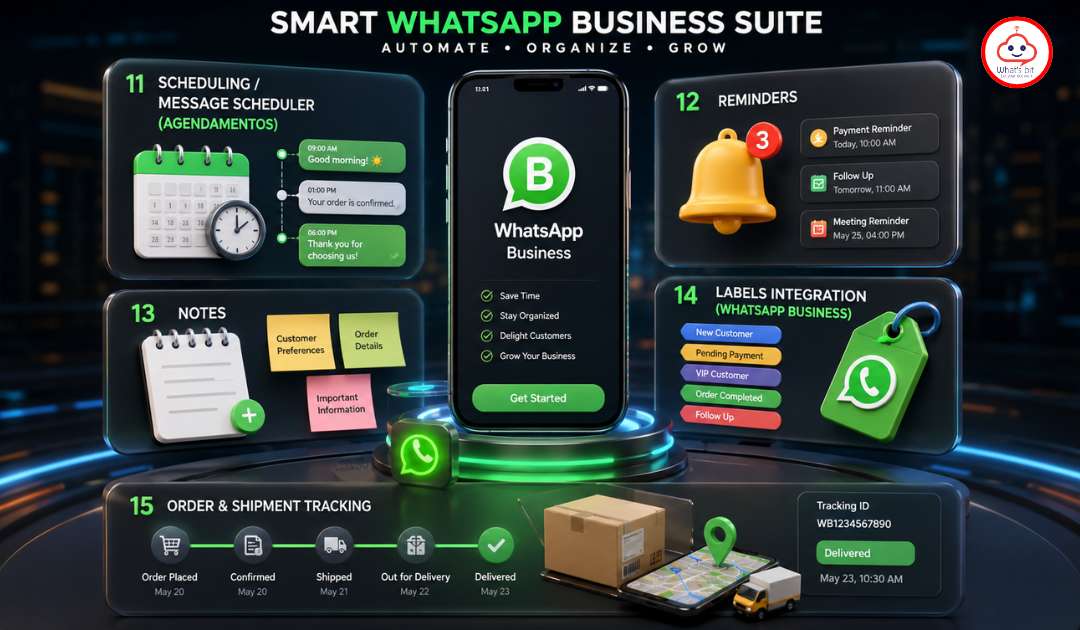
11. Scheduling / Message Scheduler (Agendamentos)
Schedule individual messages to specific contacts for a future date and time. Supports text messages, media files, audio recordings, and quick replies. Also includes recurring scheduling — daily, weekly, monthly, quarterly, and custom intervals.
Best for: Sending birthday wishes, payment reminders, follow-ups, and appointment confirmations automatically.
12. Reminders
Create contact-specific reminders with a title, description, date, and time. Get notified when a reminder is due so you never forget to follow up on an important lead. Reminders also integrate with Google Calendar for a seamless scheduling experience.
Best for: Account managers and sales reps juggling multiple high-priority contacts.
13. Notes
Add private notes to any WhatsApp contact — text or image-based. Notes are stored per contact and are only visible to you inside WaBa, making them perfect for recording call summaries, customer preferences, or internal comments.
Best for: Teams that need to store context about customer conversations.
14. Labels Integration (WhatsApp Business)
For WhatsApp Business users, WaBa integrates directly with your native WhatsApp labels. Add, remove, and organize labels from within the CRM panel. Labels can also be used to trigger funnel automations and segmentation for campaigns.
Best for: WhatsApp Business users already using labels for segmentation.
15. Order & Shipment Tracking
Manage customer orders and track shipments directly from WhatsApp. Add order details (name, tracking code, courier, date), and WaBa generates a tracking link automatically. Supported couriers include Correios, Jadlog, Shopee, AliExpress, and international trackers.
Best for: E-commerce stores managing orders via WhatsApp.
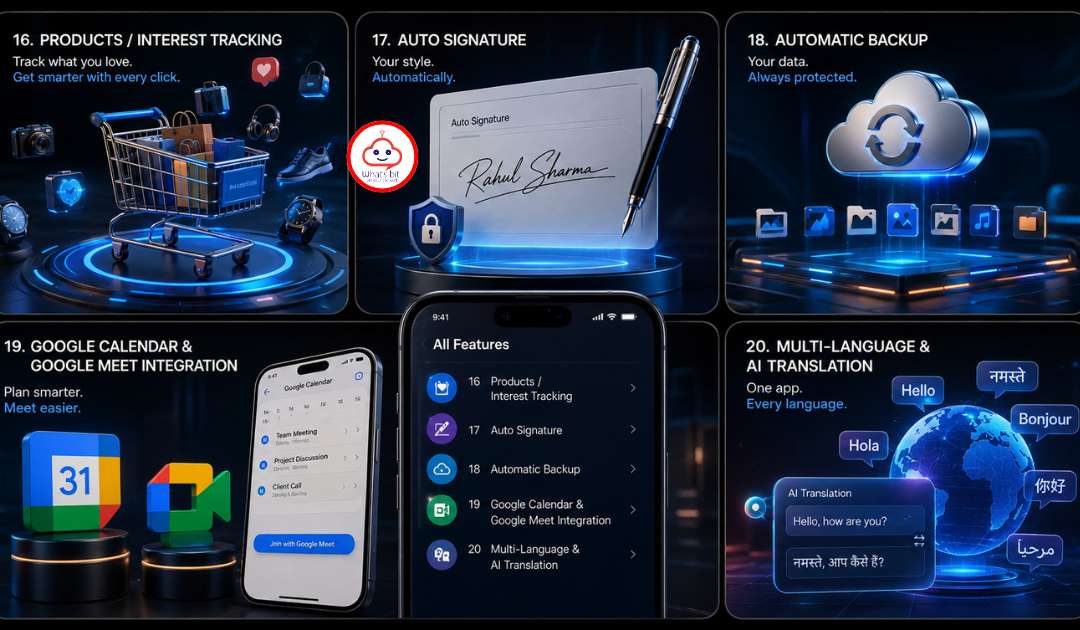
16. Products / Interest Tracking
Record which products or services each contact is interested in. Add multiple product tags to a contact profile, making it easy to filter and segment leads based on product interest for targeted follow-ups and campaigns.
Best for: Businesses with multiple product lines targeting different customer segments.
17. Auto Signature
Set a custom signature that gets automatically appended to every message you send — with your name, role, or business name. You can toggle the signature on or off with a single click.
Best for: Professionals and businesses wanting consistent branding in every WhatsApp message.
18. Automatic Backup
WaBa automatically backs up your CRM data — contacts, notes, schedules, workflows, and settings — so you never lose important information. The backup system runs in the background without any manual effort.
Best for: All users who want data safety and peace of mind.
19. Google Calendar & Google Meet Integration
Create Google Calendar events directly from a WhatsApp conversation. Set start and end times, add a location and description, and save the event with one click. WaBa also supports Google Meet link sharing for video call scheduling.
Best for: Consultants, coaches, and service businesses that book appointments via WhatsApp.
20. Multi-Language & AI Translation
WaBa supports multiple interface languages and includes AI-powered real-time translation for customer messages. Communicate with international clients in their native language without switching tools.
Best for: Businesses with global or multi-regional customer bases.
Who Should Use WaBa WhatsApp CRM?
WaBa is the ideal solution for:
- E-commerce stores managing orders, shipping updates, and customer support on WhatsApp
- Real estate agencies tracking leads and scheduling property viewings
- Digital marketing agencies running WhatsApp campaigns for clients
- Coaches and consultants scheduling appointments and managing client communication
- Sales teams who need a visual pipeline and automated follow-up system
- Healthcare providers sending appointment reminders and health updates
- Educational institutions managing student and parent communications at scale
Why WaBa Stands Out
Most CRM tools treat WhatsApp as just one more channel. WaBa is built from the ground up around WhatsApp — which means deeper functionality, a better user experience, and no need to switch between apps. Everything from chatbot automation to Kanban pipeline management happens inside WhatsApp Web itself.
With 20 powerful features — from AI integration to shipment tracking to sales funnels — WaBa delivers enterprise-level CRM capabilities at a fraction of the cost.
Final Thoughts
WaBa WhatsApp CRM is one of the most feature-rich WhatsApp management tools available today. If your business runs on WhatsApp conversations, WaBa gives you the automation, organization, and intelligence you need to close more deals, serve customers faster, and grow without adding headcount.
Ready to turn WhatsApp into your best-performing sales channel? Try WaBa WhatsApp CRM today.