

Understanding WhatsApp Chatbot and API Integration
WhatsApp chatbot is an AI-powered software that talks with users on WhatsApp through automated responses. Businesses use these bots for customer support, sales inquiries, order tracking, etc. To build a WhatsApp chatbot, you need access to the WhatsApp Business API, which allows programmatic messaging.
Steps to Build WhatsApp Chatbot with API
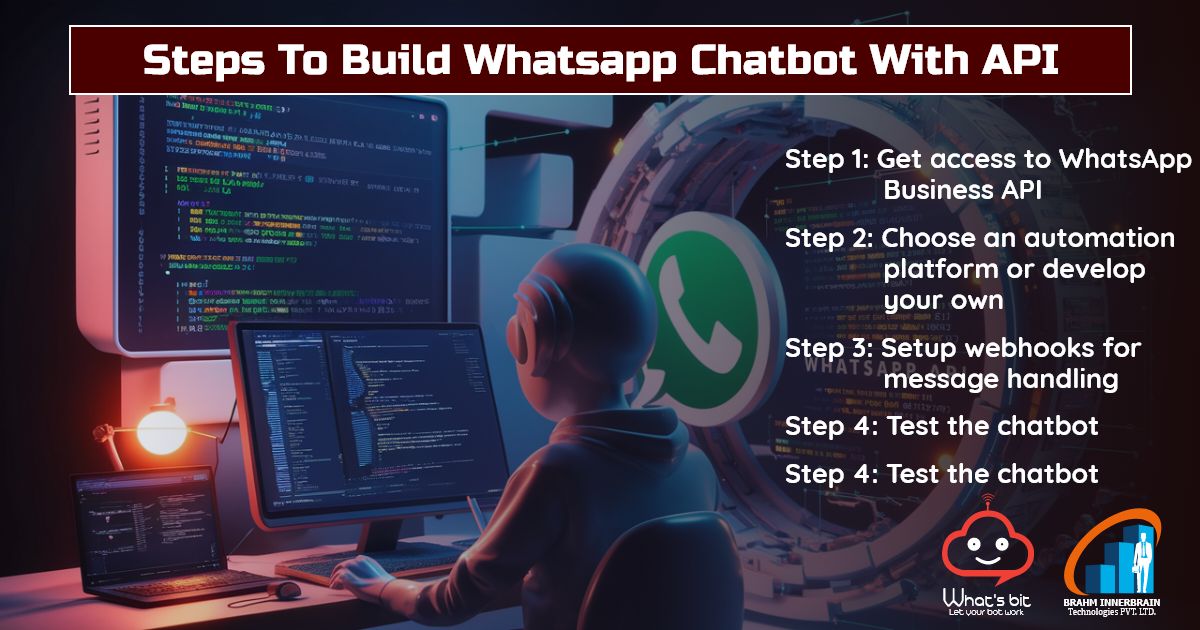
Step 1: Get access to WhatsApp Business API
The WhatsApp Business API is not directly available to everyone. You need to apply through an official BSP such as Meta. These providers provide API access to send and receive messages programmatically.
– Create a WhatsApp Business account: Register with BSP and get your phone number registered.
– Verify your business: Follow Meta’s guidelines for business verification.
Step 2: Choose an automation platform or develop your own
You can develop your own chatbot using any other programming language. If you’re coding, you’ll need:
-A server to host your chatbot
-A database to store user queries and responses
-API integration to send and receive WhatsApp messages
Step 3: Setup webhooks for message handling
A webhook is a server endpoint that listens for incoming messages from WhatsApp. When a user sends a message, the webhook captures it and processes the response based on predefined rules.
Create the webhook URL: This can be done using Flask (Python) or Express (Node.js).
Handle incoming messages: Use API calls to process user input and generate responses.
Step 4: Test the chatbot
Before making the chatbot live, do a thorough testing:
-Test different user inputs and ensure correct responses.
-Optimize performance for speed and accuracy.
-Once testing is complete, upload the chatbot to your server
What are the benefits of WhatsApp chatbot with API?
-Provides 24/7 customer support
-Scalability: Handles multiple customer interactions simultaneously.