

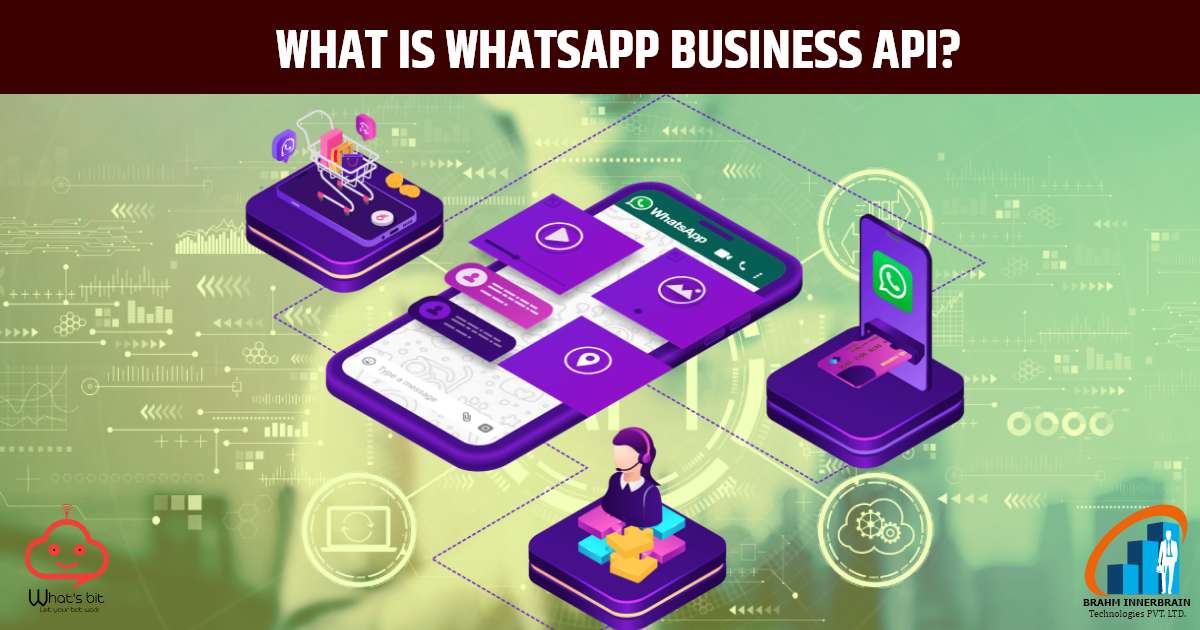
1. What is WhatsApp Business API?
WhatsApp Business API is a tool that allows medium and large businesses to communicate with customers in an automated, secure, and scalable way via WhatsApp. Through this, companies can connect with their CRM, chatbots, and other technologies to provide professional services to customers.
2. Benefits of communication with WhatsApp Business API
i. Fast and real-time communication:
It is possible to respond to customers immediately, which increases their trust and satisfaction.
ii. Automation:
With the help of chatbots and template messages, companies can provide 24/7 services. Such as – order confirmation, tracking updates, support.
iii. Personalized experience:
Customized messages can be sent based on the customer’s name, previous orders, or interaction history.
iv. Scalable support with multiple agents:
Larger teams can handle chats from a single number, making customer support faster.
3. How to do business communication with WhatsApp Business API?
1. Setting up the API
The WhatsApp Business API needs to be set up through the official BSP (Business Solution Provider) of Meta (formerly Facebook). For this, you need to have a verified Facebook business account and a valid business number.
2. Creating and approving message templates
Send message to a customer, WhatsApp template approved message.
for example : “Check out our new offer! Just for you.”
3. Direct customer communication (Session Messages)
If the customer messages you first, you can send free-form messages without any template for the next 24 hours. This is called a 24-hour “session.” During this time you can provide questions, answers, support, and offers.
4. Integration and automation
You can connect the WhatsApp API to your CRM system or chatbot to send automatic replies, tracking updates, or FAQ answers. Tools like Dialogflow, Twilio, Wati, Gupshup are used for this.
4. Examples of communication
E-commerce:
Order updates, delivery status, return/exchange requests.
Finance and banking:
Transaction alerts, mini statements, customer support.
Healthcare:
Appointment reminders, medical report updates.
Education:
Exam schedules, form reminders, student counseling.
5. Some precautions
Do not send messages without the customers permission.
Avoid spam, otherwise the number may be blocked.
Send only useful and relevant information.